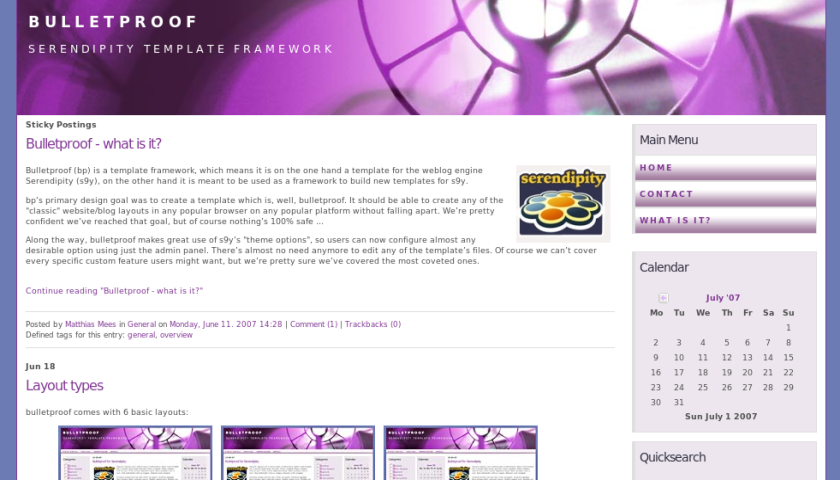
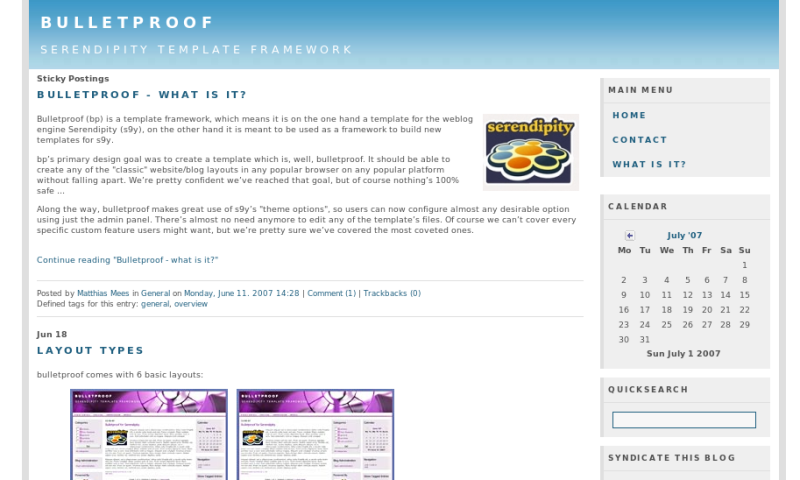
One of the, if not the major new feature in Bulletproof v1.1 is the possibility to add additional colorsets. Users can add their own colorset without having to edit any of the template's core files as long as they follow certain instructions.
Here's how it works: Create a new stylesheet in the template's directory, /templates/bulletproof/. The file has to be named <COLORSETNAME>_style.css, with <COLORSETNAME> being the name you want to give that new colorset. I.e., if you want to call it mycolorset, you have to create the file /templates/bulletproof/mycolorset_style.css. Bulletproof will automagically detect and include this colorset in the list of colorsets available via the Bulletproof theme options in your admin backend. You don't have to do anything else.
It might be a good idea – especially for new users – to start by copying one of the colorset stylesheets provided with bulletproof and modify it. That way, you don't have to start from scratch. Also, keep in mind that there are other stylesheets (base.css, style.css, ie5.css, ie6.css, ie7.css) included in Bulletproof. Some of these (base.css, all ie-specific stylesheets) are crucial to Bulletproof's layouts. Overwriting styles included in these files might break the layout. style.css on the other hand is kind of a fallback stylesheet – it includes many styles which are not crucial to the layout, but common styles used in all colorsets, meaning they may be overridden, but they don't have to be.
You'll also have to provide the colorset specific icons for your new colorset. These have to follow the same file naming convention like the stylesheet, i.e. a colorset specific back icon for the example mentioned above would have to be called /templates/bulletproof/img/mycolorset_back.png. These images have to be PNG images, and they have to be in the img subdirectory – otherwise the automagic detection won't work. If you feel your graphic skills are too poor or you just don't have the time to create these files, you can always copy the default ones or those used in any other colorsets. Remember, if these images are not present, visitors will only see the alternate text for them.

 ). Here are some memorable dates from this long development period:
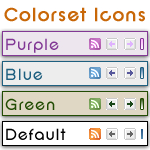 Feed icons, calendar arrows and graph bar (used on the archive page) all have different color variations to compliment each colorset that is included in bp. You can take advantage of this feature for any template created using the bp framework to use uniquely different icons for each of your template's colorsets, provided there is, in fact, more than a single colorset.
First, we need to know where icons are stored. As with all s9y template graphics, the files are stored in /templates/bulletproof/img/. If you create your own template based upon bulletproof, you will place these images in /templates/YOUR_TEMPLATE_PATH/img/.
Feed icons, calendar arrows and graph bar (used on the archive page) all have different color variations to compliment each colorset that is included in bp. You can take advantage of this feature for any template created using the bp framework to use uniquely different icons for each of your template's colorsets, provided there is, in fact, more than a single colorset.
First, we need to know where icons are stored. As with all s9y template graphics, the files are stored in /templates/bulletproof/img/. If you create your own template based upon bulletproof, you will place these images in /templates/YOUR_TEMPLATE_PATH/img/.
 PC or Mac? Windows or Linux? Firefox, Internet Explorer, Opera or Safari?? Browser specific "hacks" that do not validate, or clean code that breaks in non-compliant, or outdated broswers???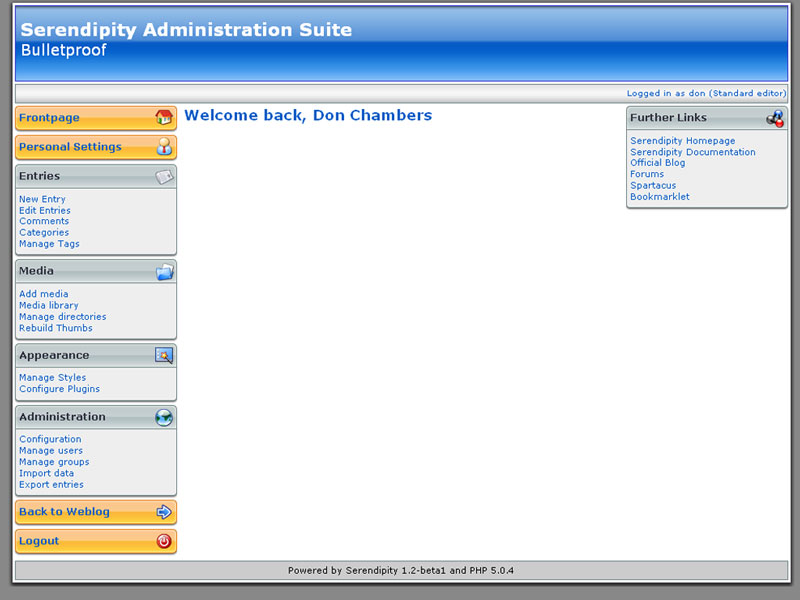
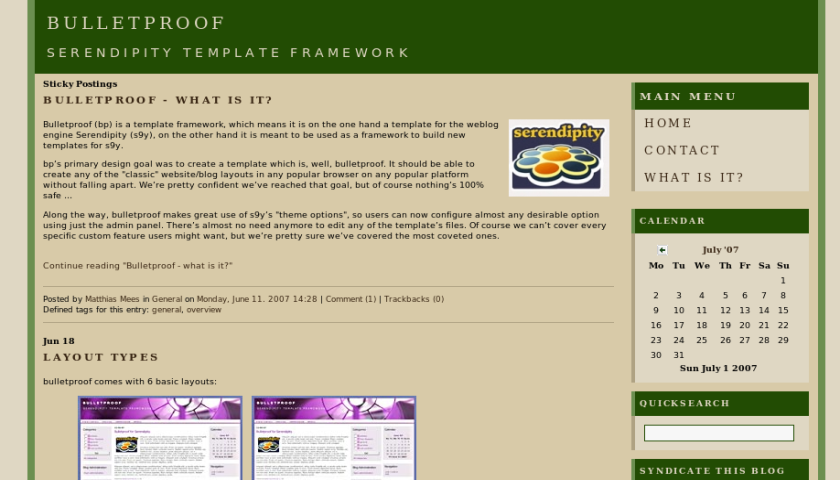
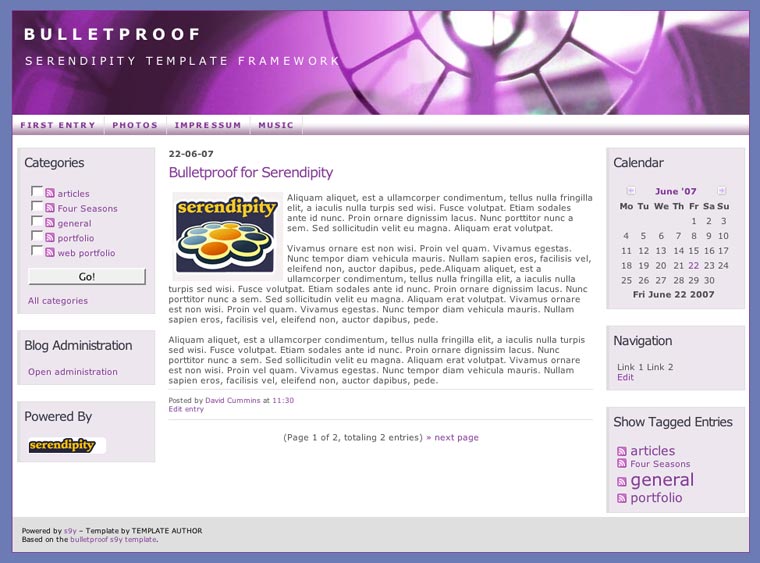
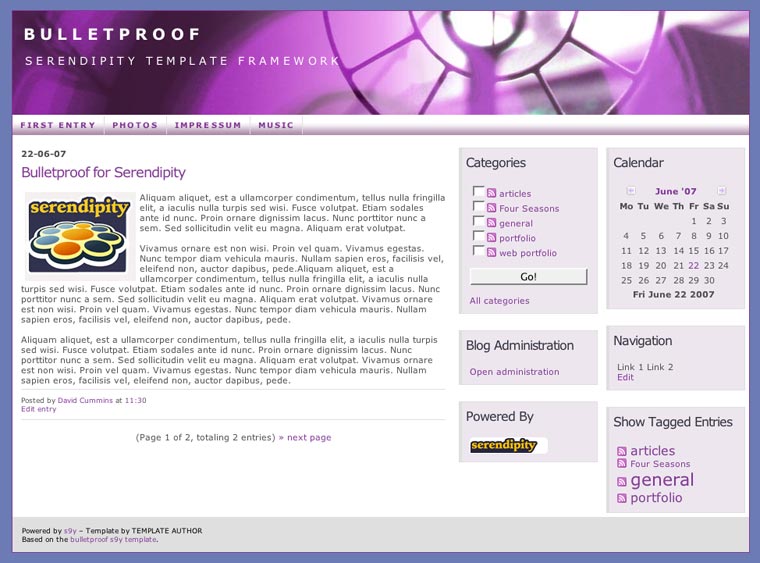
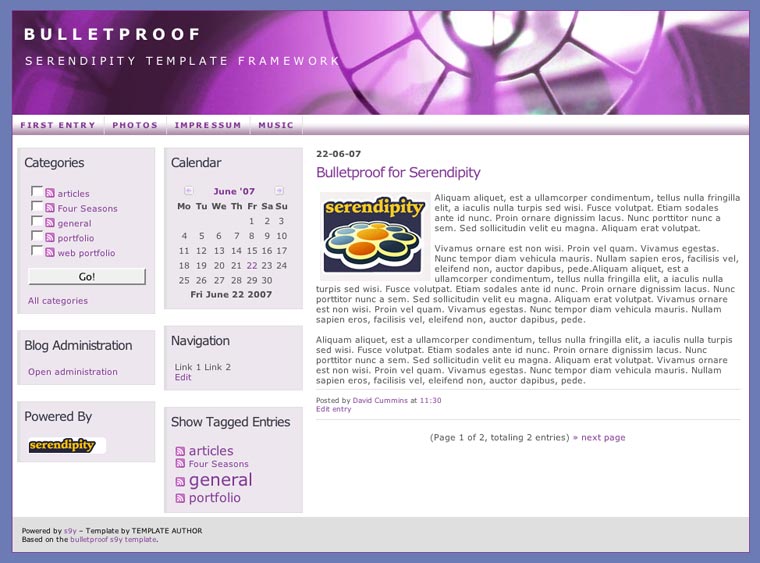
Recent Comments
Fri, 15.05 16:29
8 months, that's not too bad
Bulletproof - what is it?
Tue, 07.04 22:25
I guess we decided to take it for granted that users also follow the forum and the s9y changelog, meaning they'd b [...]
Tue, 07.04 21:52
Thanks for the fast reply
Tue, 07.04 21:26
Why? It's not like BP needs any major work, is it? (In fact I can indeed promise some minor adjustments in the nex [...]
Tue, 07.04 21:15
Hm. In S9Y there is bulletproof 1.4 dated 12-16. The download area here lists 1.2 dated 12-10. [...]
Wed, 04.02 22:43
ok... i thought maybe a snippit was missing for the meta tags for description and keywords...
Wed, 04.02 22:38
Phil - your request would be better posted on the serendipity support forum since it is n [...]
Wed, 04.02 17:59
Search Engine Friendlieness Hi - In testing install, creating categories and adding test posts to them, i see t [...]